
Pantry Pilot on Mobile: Cook, Shop, and Order Groceries from Your Phone
Ze'ev - 2nd July, 2025
Mobile-first cooking
Scrolling for dinner inspiration on the sofa? Hustling through the supermarket with one hand on the trolley?
Pantry Pilot was designed to be your kitchen co-pilot, wherever your day takes you. From the very first pixel we built Pantry Pilot with a mobile-first mindset so you can collect recipes, build lists, and order groceries on the go.
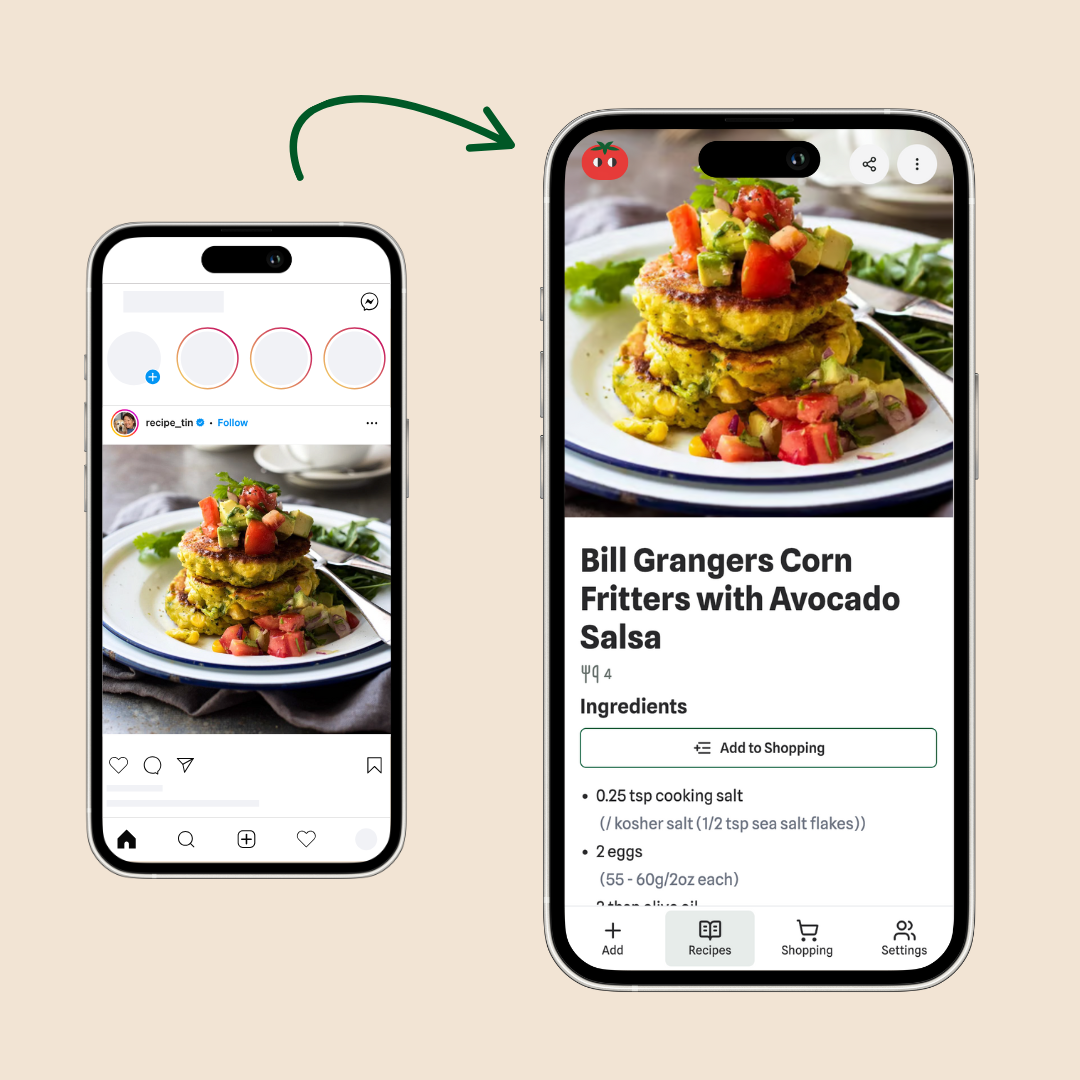
Why mobile-first matters
- Always in your pocket. Whether you're ordering tonight's pasta or next week's shop, it needs to be convenient and fast. So you cansort out your shopping on the train, while your waiting for your kids to finish school, or where-ever you have 5 minutes to spare.
- Fast on any network. Pantry Pilot is a Progressive Web App (PWA) that keeps things light and snappy even on flaky supermarket Wi-Fi.
- Feels like a native app. Swipe gestures, buttery scrolling, and offline caching make Pantry Pilot feel right at home on iOS and Android.
Download the Pantry Pilot app


Android 🚀
Great news for Android cooks: Pantry Pilot is live on Google Play.
- Download the app – Head to our Pantry Pilot listing on Google Play and tap install.
- Install & explore – Import recipes, share lists, and checkout as normal.
- Send feedback – Spot something we could improve? Drop us a line at support@pantrypilot.com. Every note helps us make Pantry Pilot better.
iOS 🍎
The iOS app is now live on the App Store.
- Download the app – Open the App Store and tap get.
- Log in & cook – Your recipes and lists are ready to go.
- Send feedback – We’re always keen to hear what you want next. Email support@pantrypilot.com.
Prefer a quick install? Use the PWA
Pantry Pilot also runs beautifully as a PWA on iOS and installs in seconds.
- Open pantrypilot.com in Safari (it needs to be Safari, not Chrome).
- Tap the Share icon (the little square with an arrow).
- Scroll and choose Add to Home Screen.
- Hit Add and voilà—Pantry Pilot now lives on your Home Screen like any other app.
Above: a quick demo of adding Pantry Pilot to your iPhone in under 20 seconds.
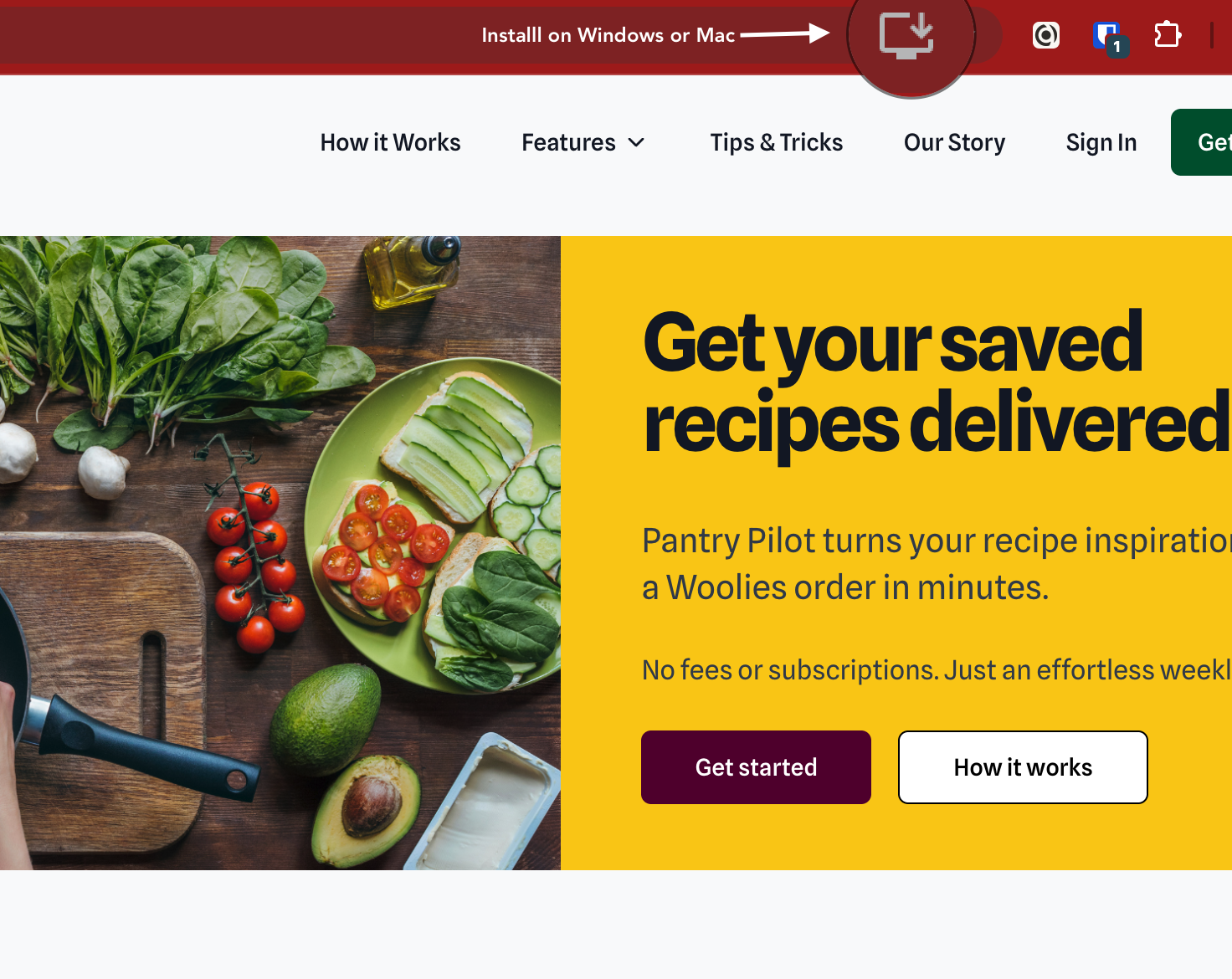
Want more Pantry Pilot apps? You can even install it on your PC or Mac!
The takeaway 🥡
Whether you're on Android, iOS, or using the web app, Pantry Pilot works brilliantly on mobile. The apps are live on the App Store and Google Play, and the PWA works everywhere. Pick your flavour and get cooking.
Give Pantry Pilot a go today and you can have your weekly shop sorted faster than you can say "Where is that HelloFresh voucher?"